Word to PDF: Convert .docx Without Breaking the Layout

Word documents break. Not always, but often enough. A font you don't have, a table that shifts two columns, a header that jumps to page 3 the moment your client opens it in LibreOffice.
The fix is boring and effective: send PDF.
Why convert Word to PDF?
Layout freezes. Fonts, spacing, page breaks - locked exactly how you made them. No compatibility warnings.
Anyone can open it. PDF reads the same on Windows, macOS, Android and iPhone. No Word install required.
Hard to edit by accident. Recipients can read and comment without scrambling your document.
The 30-second way
FileTools converts Word in the browser. No install, no account.
1. Open the Word to PDF converter
2. Drop your .doc or .docx file
3. Hit convert
4. Download the PDF
That's the whole workflow. Works on a laptop, a phone, or a borrowed machine.
When desktop Word isn't worth it
- You're on a phone and the app refuses half the export options.
- You need to convert five contracts, not one.
- You're on a machine without Word - a hotel PC, a friend's Mac.
- You just want the file done, not a new project.
A browser tab beats launching a 2GB office suite for one export.
Privacy
Files are processed and deleted after conversion. Nothing sits in a cloud folder. For contracts, invoices or CVs, that matters more than the two seconds you save elsewhere.
Real use cases
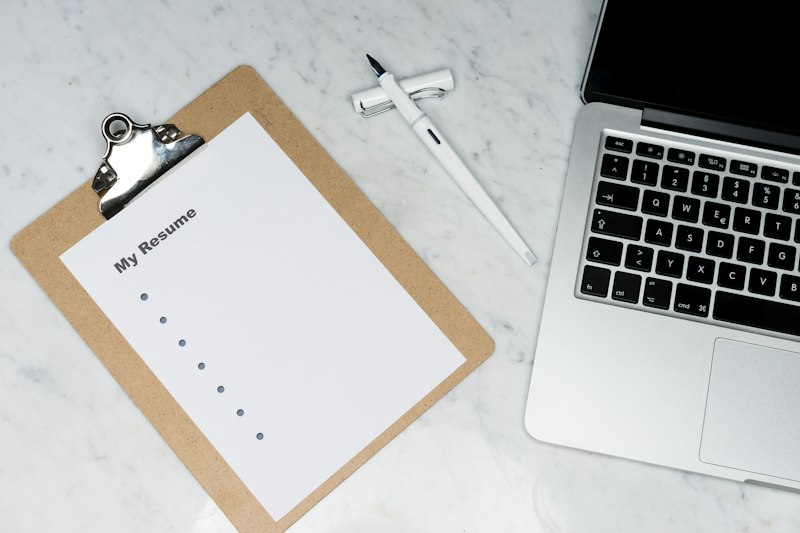
Job seekers. A CV as PDF means the hiring manager sees your layout, not a reformatted mess.
Freelancers. Invoices, contracts, proposals - all go out as PDF. Clients can't quietly change the price.
Students. Essays and assignments. Most portals accept PDF and prefer it.
Legal and admin. Signed forms, letters, official documents. PDF is the default for a reason.
Tips
- Check the page size (A4 vs Letter) before converting, especially for cross-border documents.
- Test unusual fonts with a single page first.
- Need the reverse? FileTools also does PDF to Word and PDF merging.
Other tools worth knowing
File conversion is one piece. TubeVoice dubs YouTube videos into 50+ languages. RoomFlip turns a room photo into a redesigned interior. KupSledujici runs engagement for CZ/SK social accounts.
Bottom line
Stop babysitting .docx files. Ship a PDF.