Dubbing interviews: how to translate videos with multiple voices
A solo talking-head video is easy to dub. Add a second or third person and things get messy: voices blend, people talk over each other, and in the translation everyone suddenly sounds the same.
Why interviews are harder
The AI has to figure out who's speaking and give each person their own voice. When speakers overlap or share one mic, detection breaks down. The result? The host speaks with the guest's voice.
Record with dubbing in mind
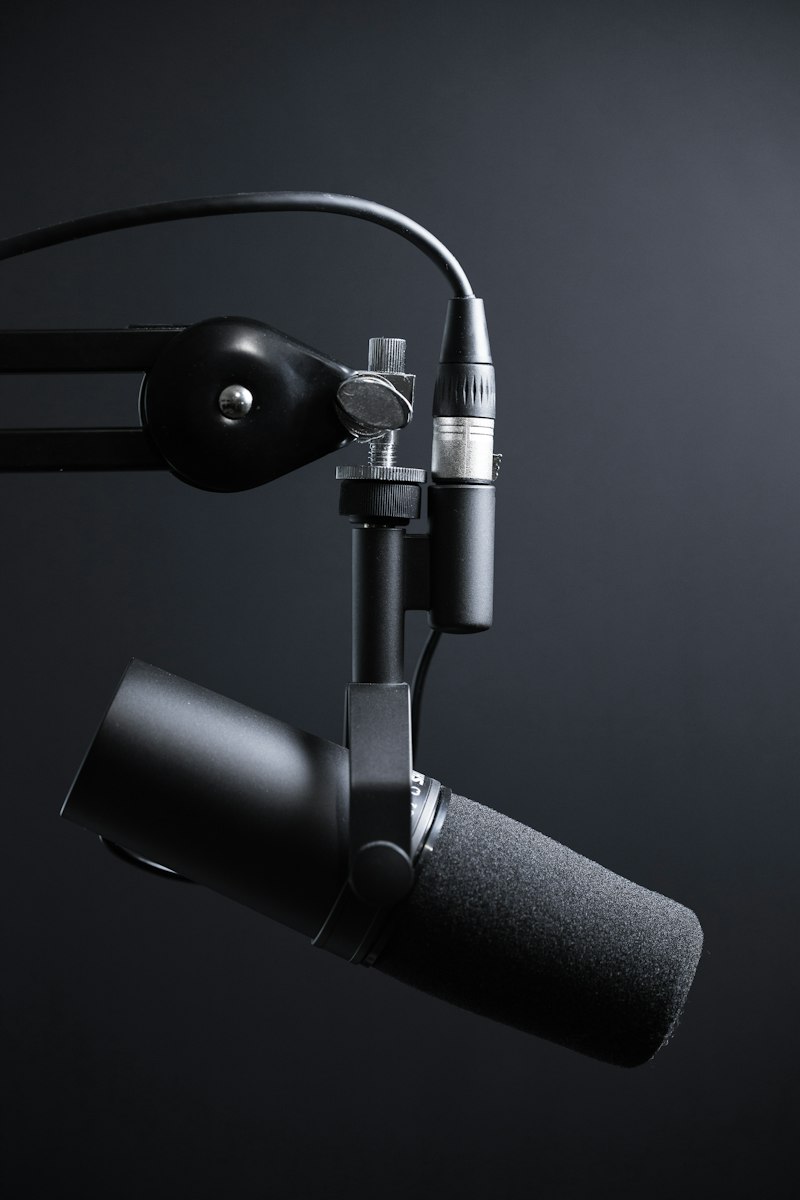
- One mic per person. A lavalier or dynamic mic for every speaker.
- Don't talk over each other. A short pause between lines helps both the AI and the viewer.
- Quiet room. No background music while recording — add it later in the edit.
How to do it in TubeVoice
Upload the finished video to TubeVoice, pick a target language and let the AI detect the individual speakers. Each one gets their own voice, so even in German or Spanish it's clear who's asking and who's answering. Skim the transcript before exporting — names and jargon are worth a quick fix.
Final tip
Split long interviews into chapters and test one first. If you need to compress or convert a file before uploading, FileTools handles it. Then dub the full video in TubeVoice and ship it worldwide.