How to Record Videos That AI Can Dub Flawlessly
AI dubbing can do amazing things, but it isn't magic. Send it a video with echo, music under the voice and three people talking over each other, and you'll get exactly what you'd expect. The good news: a few recording habits fix most of it.
Clean voice comes first
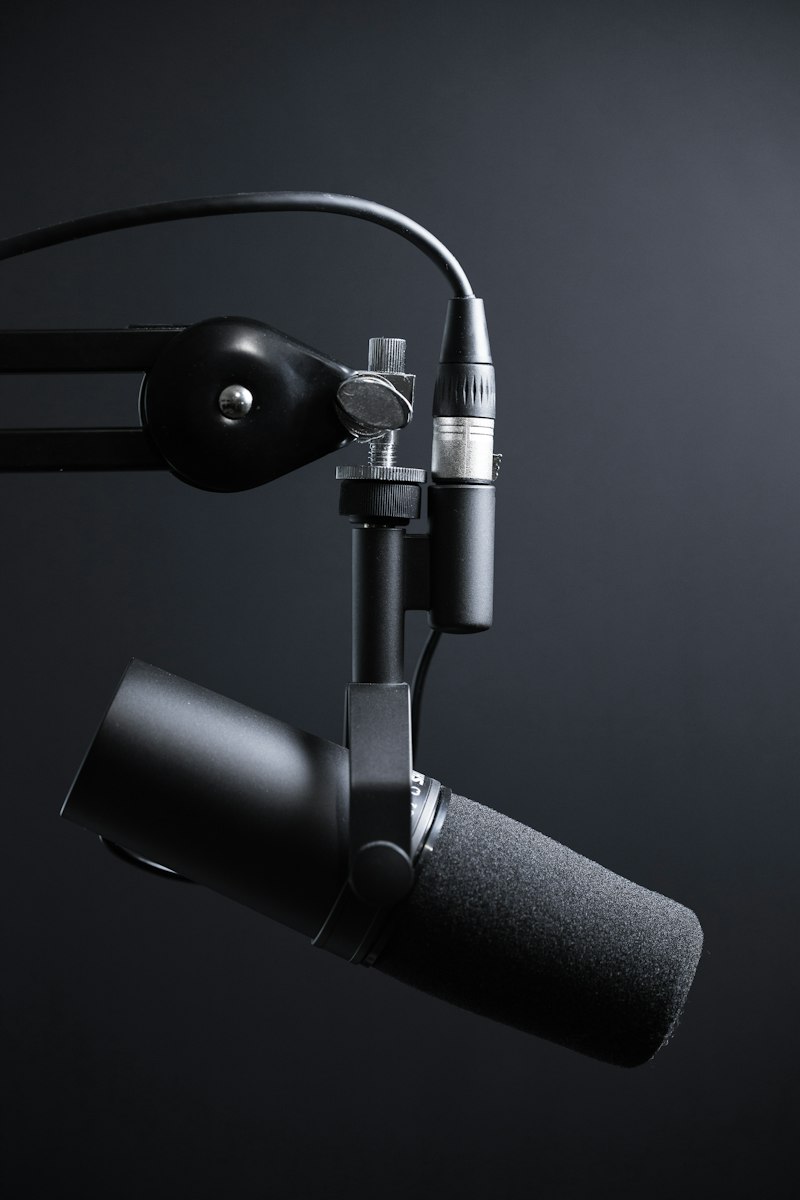
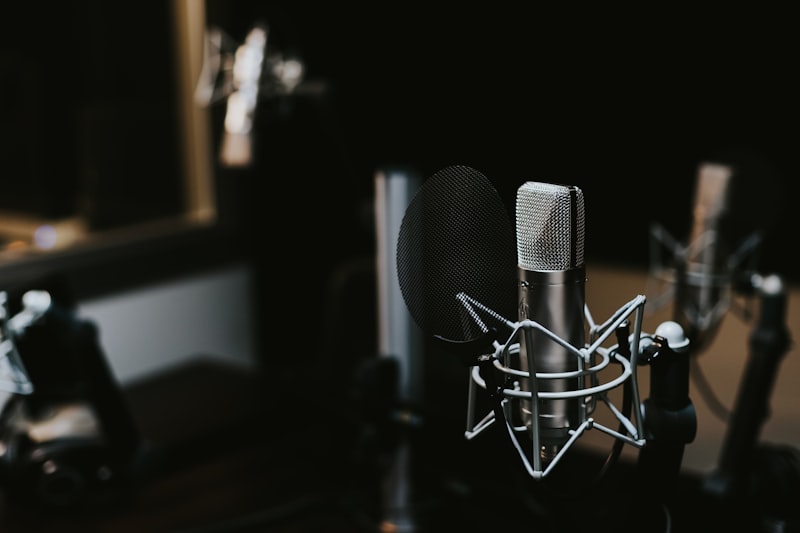
Keep your mic 6–8 inches from your mouth and record in a room with soft surfaces: curtains, a rug, a couch. Bare walls create echo that speech recognition struggles with. Switch off the AC and the fridge. They're louder on tape than you think.
Keep music separate
The most common mistake is music baked right under the voice. When you export, save a voice-only version too, or at least duck the music by 15–20 dB. The cleaner the track, the more accurate the transcript and translation.
Talk in a way that translates
- Pause between sentences so the AI can tell where one ends.
- Don't talk over each other. In interviews, give everyone their turn.
- Plan for length. German or French often run 20–30% longer than English, so don't cram speech right up to a hard cut.
Quick checklist
Mic close, quiet room, separate music, short pauses, no crosstalk. That's it.
Feed a video like that into TubeVoice and you'll get fast, natural-sounding dubs in other languages. Need to pull the audio out or convert a format first? FileTools has you covered.